
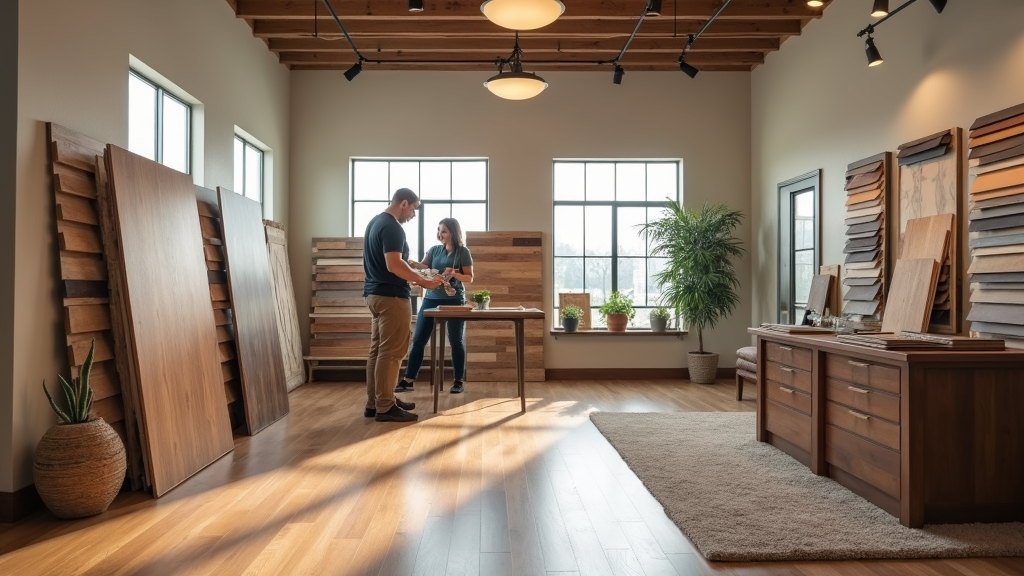
Find a floor you love.
Online room previews are currently unavailable. Our team can help you compare samples and find the right floor for your space.
Prepare a room photo Optional · resize a photo before you start
Choose a JPEG, PNG, or WebP photo up to 15 MB and 40 megapixels. Download the prepared copy, then choose it in Roomvo when available. Your photo is not transferred automatically.
Your photo stays on this device while we prepare it.
Photo tips & supported formats
Use a well-lit photo with as much of the floor visible as possible. JPEG, PNG, and WebP are supported. For an HEIC or HEIF photo, export a JPEG copy first.
How is my photo used?
Photo preparation happens on your device. Dockery does not receive or store your photo through this page. Photos you upload in Roomvo are handled under Roomvo’s privacy terms. Downloaded or shared copies go where you choose.
Love the look? Confirm color and texture with a real sample before you buy.